How Do You Use A Masimo Pulse Oximeter?
Written by Alena Mathew's
 Simulators are the best choice when it comes to training for healthcare professionals. Be it a doctor, a nurse, or anyone else working as medical staff; everyone needs to be trained thoroughly. Without the simulators, it would have been quite difficult for the doctors and the medical team to prepare themselves for worse situations.
Simulators have brought more precision into the healthcare sector, and the medical staff needs to know more about these options they have. Most simulators get programmed according to a specific situation where they will exhibit certain ailments or symptoms. To aid this training, several instruments and devices get used during the training process. An essential tool in this process is the Masimooximeter simulator. But many of the medical professionals do not know how to operate or use this device. So today, we will discuss its various features and how to use this vital device.
What are the various features of the Masimo pulse oximeter?
When it comes to assessing the features, there are quite a lot. You can check the saturation and the perfusion index, and you can even make customized preset simulations. There are many factory preset simulations to choose from.
- The device can be even be carried in pockets owing to its light-weight. A single AA battery is enough for the device to run for 10 hours at a stretch.
- The material with which the device gets made is high-quality plastic.
- The durability of the device has been tested by dropping it multiple times on hard surfaces from 3 feet in height.
- The device is compatible with the Masimo spo2 simulator. There is an efficient power-saving mode available within the machine, and it also comes with upgraded field software.
- The device also comes with a four-year warranty.
How to use the device?
 It is easy to use the oximeter to test the alarm functionality and the performance of the device. There is a unit button on the device; you need to press it once to start the tool. There are very few buttons on the screen, thus making it easier to use during any simulation.
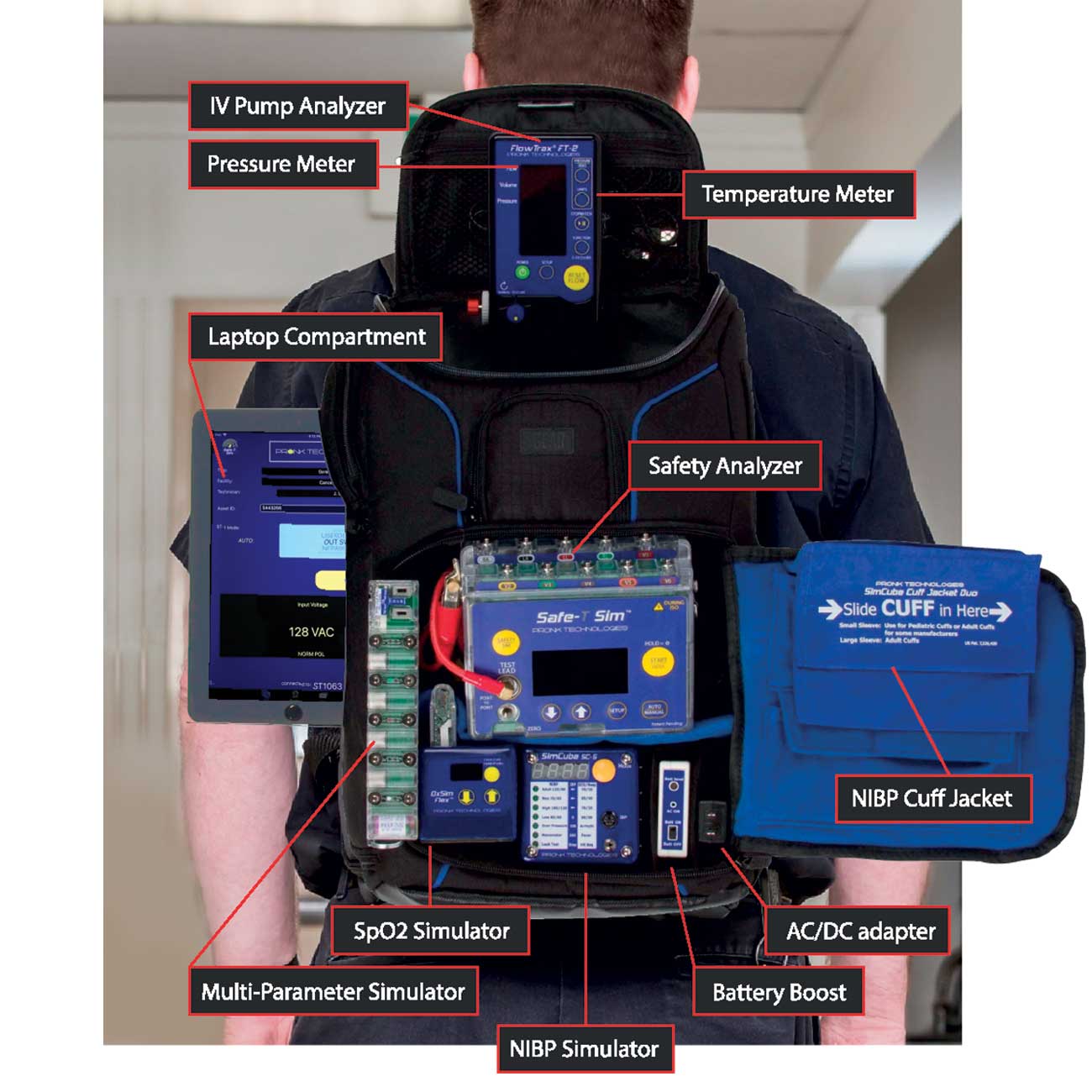
The device starts picking its signals from the simulator when you start the device and set it according to your need. The equipment is 100% efficient; however, during particular simulations where the simulator has complex ailments, the NIBP simulator can be used for advanced detection and data. So this is how you use the device, and you also get a manual along with the device in case you find setting the simulations.
Article author
About the Author
Alena Mathew is a Health and beauty addict and By profession, she is Digital Marketing Expert. Her passion for reading has given her a platform to expand her thinking from which she has penned down articles on many topics in several areas of different industries.
Further reading
Further Reading
Article
Fear of Being Healthy?
Why do some people have trouble addressing health concerns?
October 8, 2026
Article
Why General Practice Accreditation Delivers Real Value Beyond Compliance
General practice accreditation is more than a compliance requirement. This article explains how accreditation supports patient safety, quality improvement, practice governance, funding eligibility, and ongoing trust in Australia’s healthcare system.
October 8, 2026
Website
HealthNexo
HealthNexo provides trustworthy, evidence-based health information and the latest health news. We cover disease prevention, diagnosis, nutrition, fitness, and wellness to help you make informed decisions for a healthier life.
October 2, 2026
Article
Dengue Diagnosis: Which Blood Tests Are Used and When?
Dengue diagnosis blood tests include RT-PCR/NAAT, NS1, IgM, IgG, and CBC. Early tests detect the virus, while IgM becomes more useful later. CBC helps monitor the patient but cannot confirm dengue alone.
October 2, 2026